
OBD 2 Truck
BitBox USB Dongle – Advanced Tool for Multi-Brand ECU Programming
BitBox USB Dongle – Advanced Tool for Multi-Brand ECU Programming
Couldn't load pickup availability
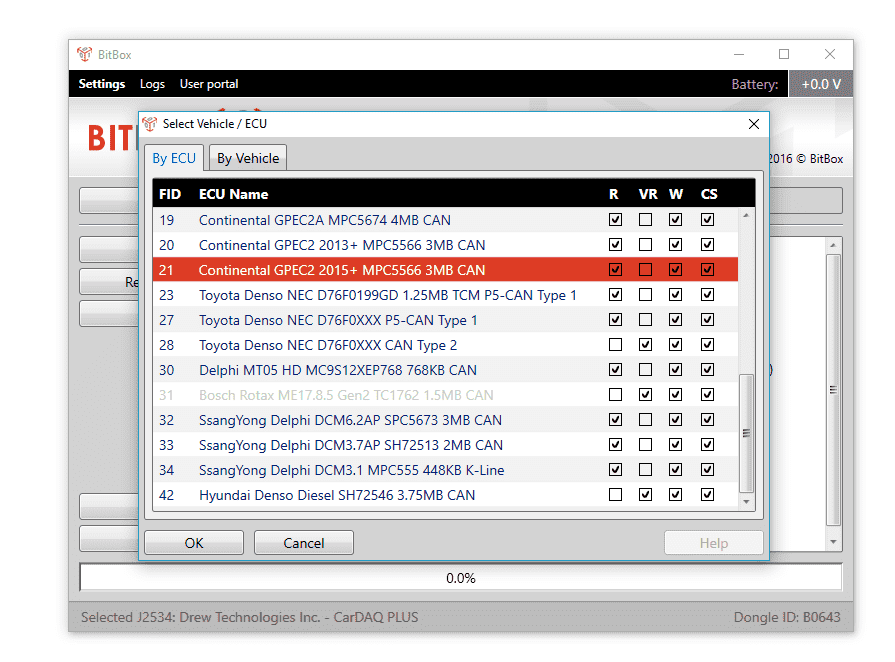
BitBox is an advanced automotive diagnostic and programming tool designed for automotive professionals, from repairers to specialized electricians. It allows you to identify, read, and write to the internal flash memory of vehicle Electronic Control Units (ECUs) , facilitating a wide range of maintenance and customization tasks.
BitBox's main goal is to provide automotive professionals with a complete solution for working with vehicle ECUs. This includes:
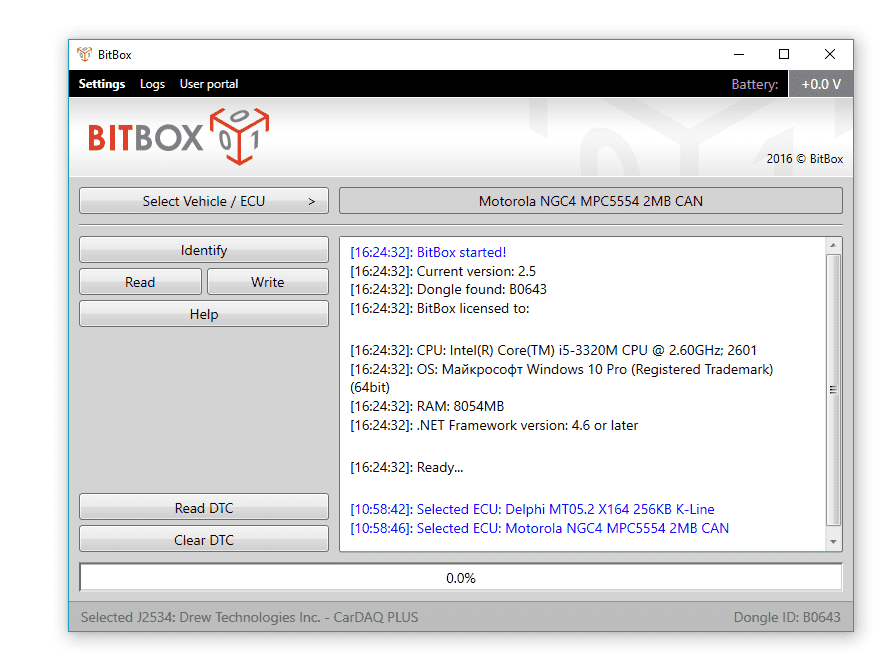
Identification: Recognize different types of ECUs present in the vehicle.
Read: Access the data stored in the ECU flash memory.
Writing: Modify or update this data as needed.
These features allow you to perform tasks such as reprogramming keys, adjusting engine parameters, correcting error codes, and much more.
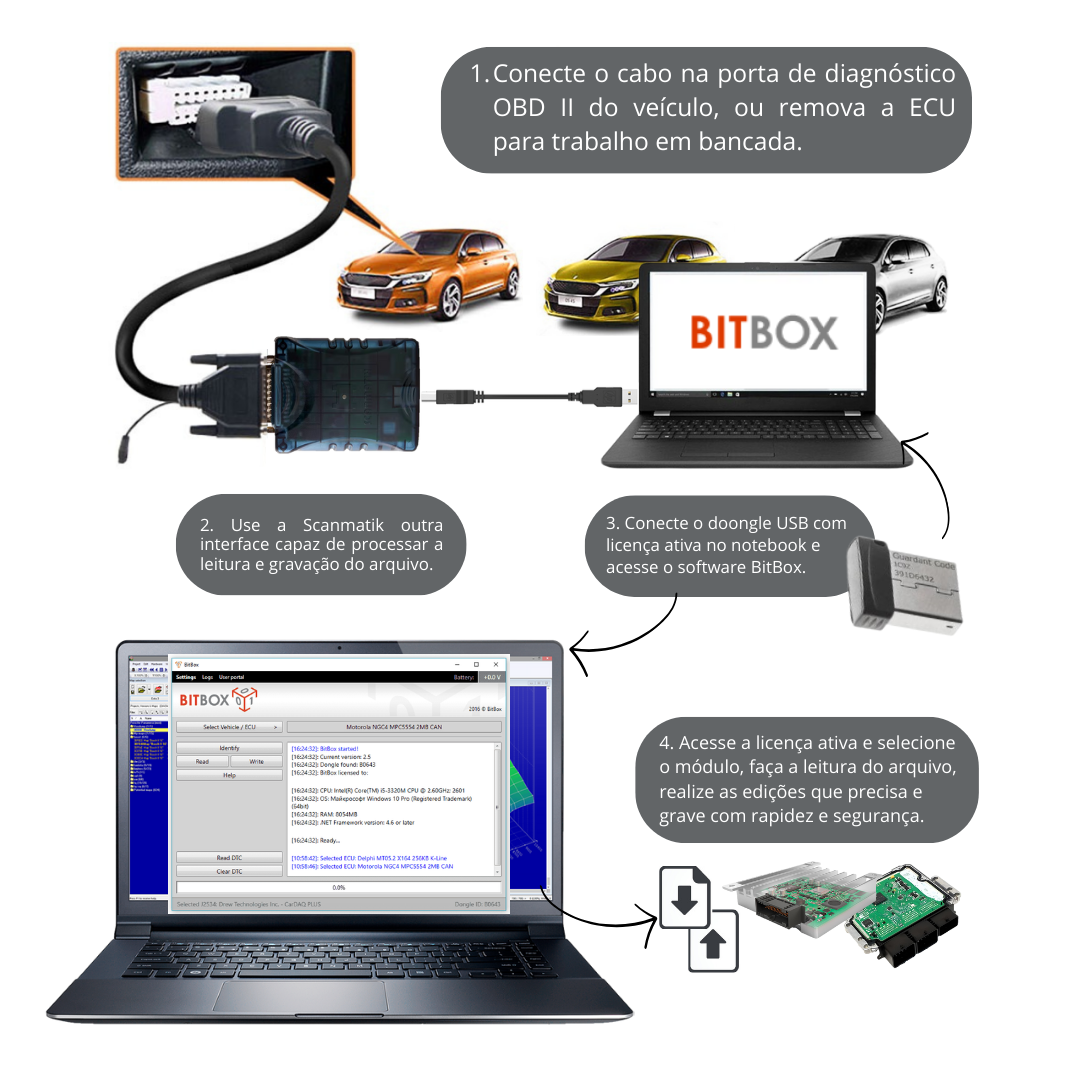
The BitBox operates through standard communication interfaces found in modern vehicles, such as CAN bus and K-line . These interfaces are connected to the user's computer via a J2534 Pass-Thru adapter, which acts as a bridge between the vehicle and the BitBox software.
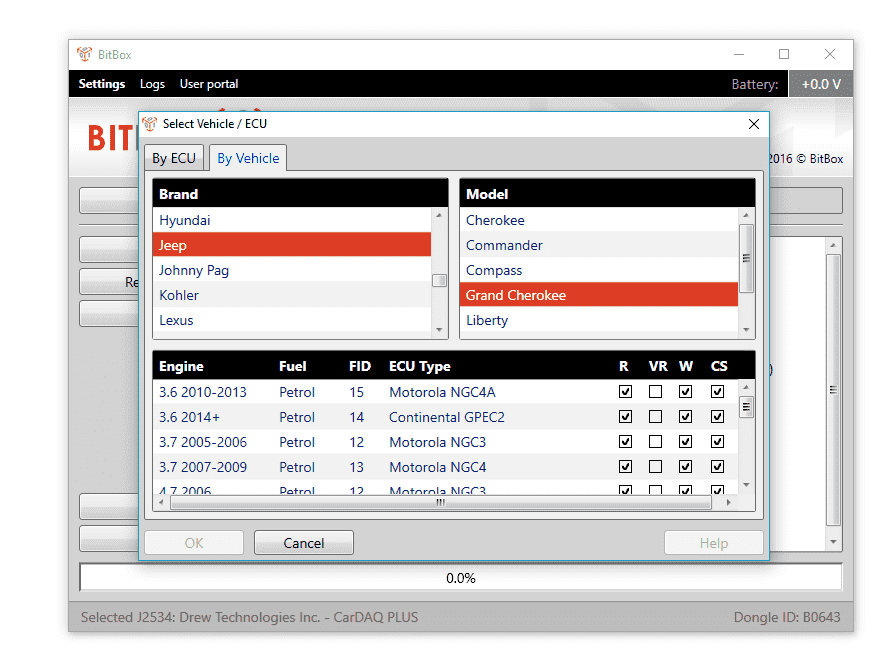
The system is modular, meaning you can purchase only the software modules needed for your specific tasks, avoiding unnecessary costs. Each module provides access to specific functions, such as reading data, writing to flash memory, and verifying checksums.
BitBox offers several advantages that make it an ideal choice for automotive professionals:
Flexibility: With its modular architecture, you can customize the toolset according to your needs.
Connectivity: The program has a client-server architecture and requires an Internet connection, allowing automatic updates and remote activation of additional modules.
Efficiency: BitBox simplifies complex diagnostic and programming processes, saving time and effort.
Security: The tool includes security features such as protection against unauthorized reading of the ECU, ensuring that your data and modifications are safe.
To get started with BitBox, you'll need the following items:
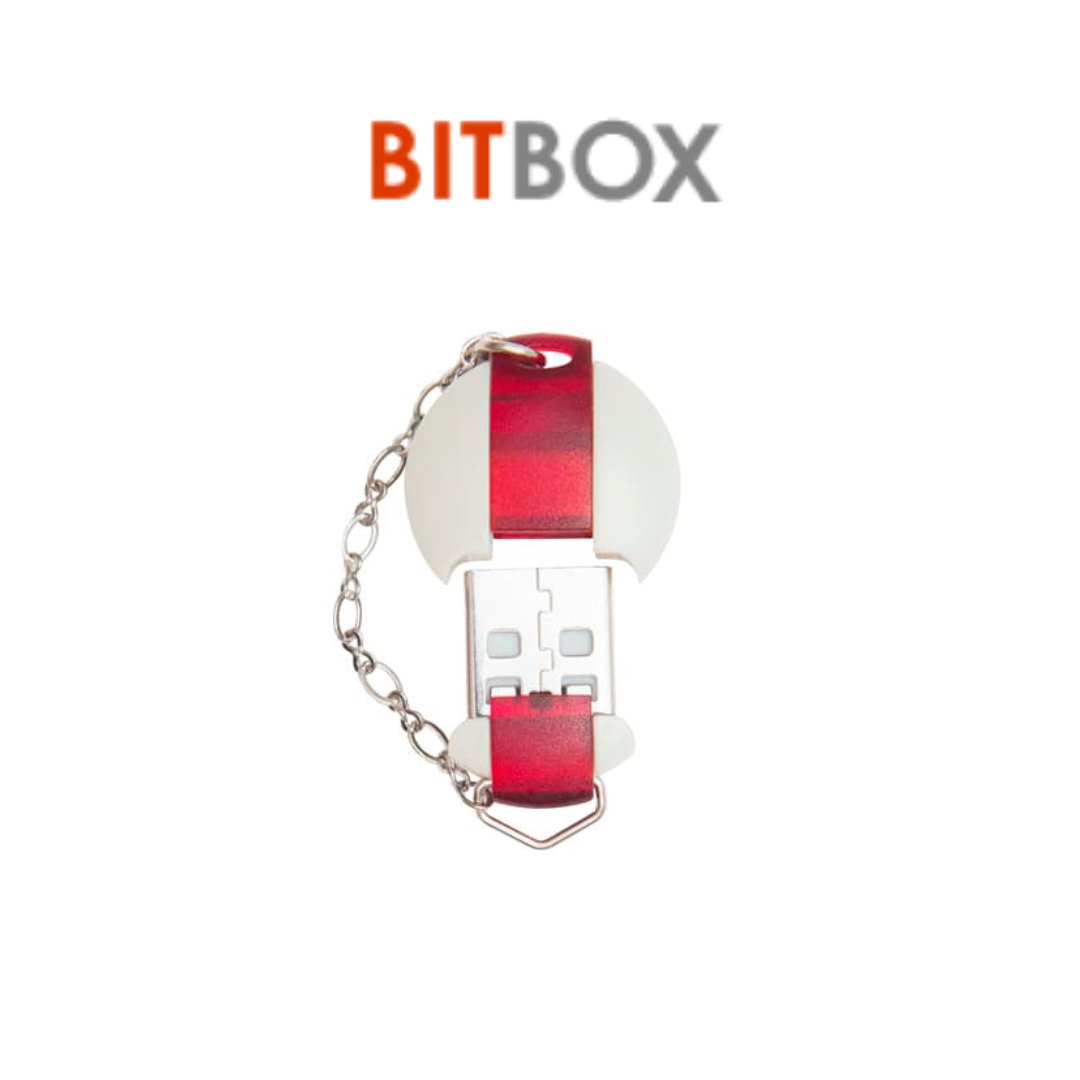
BitBox USB Dongle (Senselock): Essential device to activate the software and guarantee its authenticity.
BitBox Software: Includes a variety of plug-ins that provide access to different diagnostic and programming functions.
J2534 Pass-thru Adapter: Allows connection between the computer and the vehicle via standard communication interfaces.
Computer: A PC with a compatible operating system and Internet connection to run the software.
Additionally, it is recommended to have basic knowledge of vehicle electronic systems and automotive diagnostics to take full advantage of BitBox's features.
Warning! You need the dongle (base equipment) and at least one module during the initial purchase; blank dongles cannot be purchased. The modules will not work without a dongle.
Attention! If you lose the dongle, the module transfer will not be possible. You will need to purchase a new dongle and software.
Note! Modules may not be activated on weekends and holidays.
Please note: Modules cannot be deactivated. If you provide the wrong dongle number, no refund will be possible.
Share
